General Motors tasked our team to redesign the Silverado EV's infotainment system. The project focuses on seamless communication during group driving experiences on and off the road.
Role
UX Researcher & Designer
Team of 3
Project Duration
January - April 2026
Focus
Automotive UX
Usability Testing
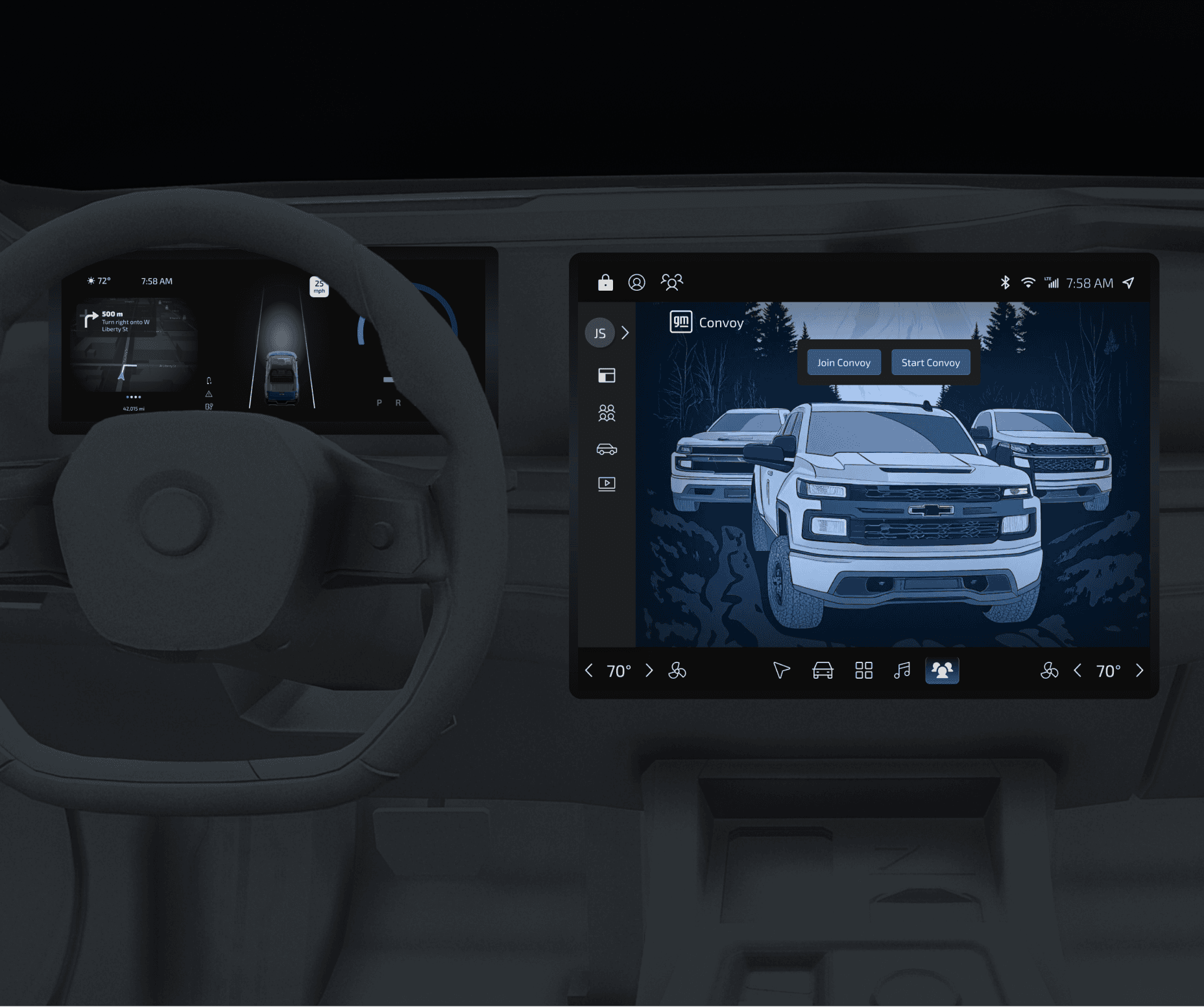
2021 Rivian R1T

Hard Controls
Tactile buttons on left of steering wheel, rolling knob steering wheel controls
Design Organization
Large displays featuring single-app focus that leverages pop-ups and overlays within apps & UI
UI Features
Digital gauge cluster with customizable left-side displays. Rollable knobs on steering wheel combined with emphasis on touch UI
2026 Lucid Gravity
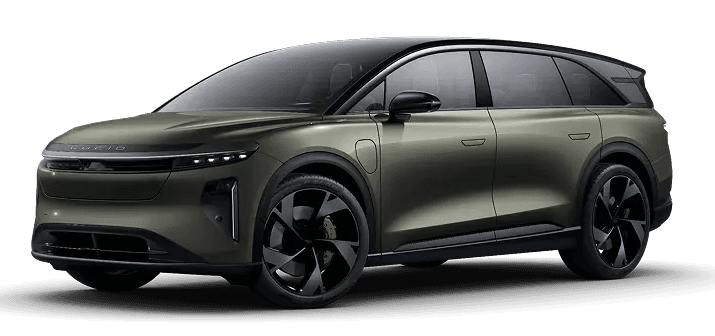
Hard Controls
Minimal physical buttons, reliance on touch-controls as primary UI
Design Organization
Navigation on bottom/left side of screen, feature-focused display with minimal/futuristic feel
UI Features
Digital buttons and sliders combined with simplistic toggle knobs. Static bottom nav bar & back arrows for intuitive navigation
2022 GMC Hummer EV

Hard Controls
Heavy focus on robust hard controls for rugged vehicle functions
Design Organization
Dual main display, with scalable focus options within selected apps.
UI Features
Reconfigurable digital gauge cluster, hard controls are dominant and duplicative in the touch interface
Key Recommendations
Simplify Silverado UI and displays, allowing for subtle rebranding that modernizes the brands in-vehicle feel.
The information architecture on the driver display should be stripped to key functions to reduce cognitive overload for drivers. Instrument cluster should focus on automatic adaptability (as opposed to user-selected customizations) depending on driver environment, ensuring focus on road.
The center display should leverage single-app focus view with multi-modal views and widgets; allowing the user to keep a preferred screen (such as music or maps) while accessing other UI.

“I go off roading with my friends all the time. We call it platooning”
Scenario
This problem scenario follows John as he attempts to organize a "platooning" trip with his friends, highlighting the friction in his current process:



Convoy
GM Convoy is an integrated ecosystem that transforms group travel from a logistical headache into a seamless, shared adventure.
Specifically engineered for the rugged demands of off-roading, GM Convoy leverages autonomous technology and connectivity to keep the "platoon" synced, safe, and social.
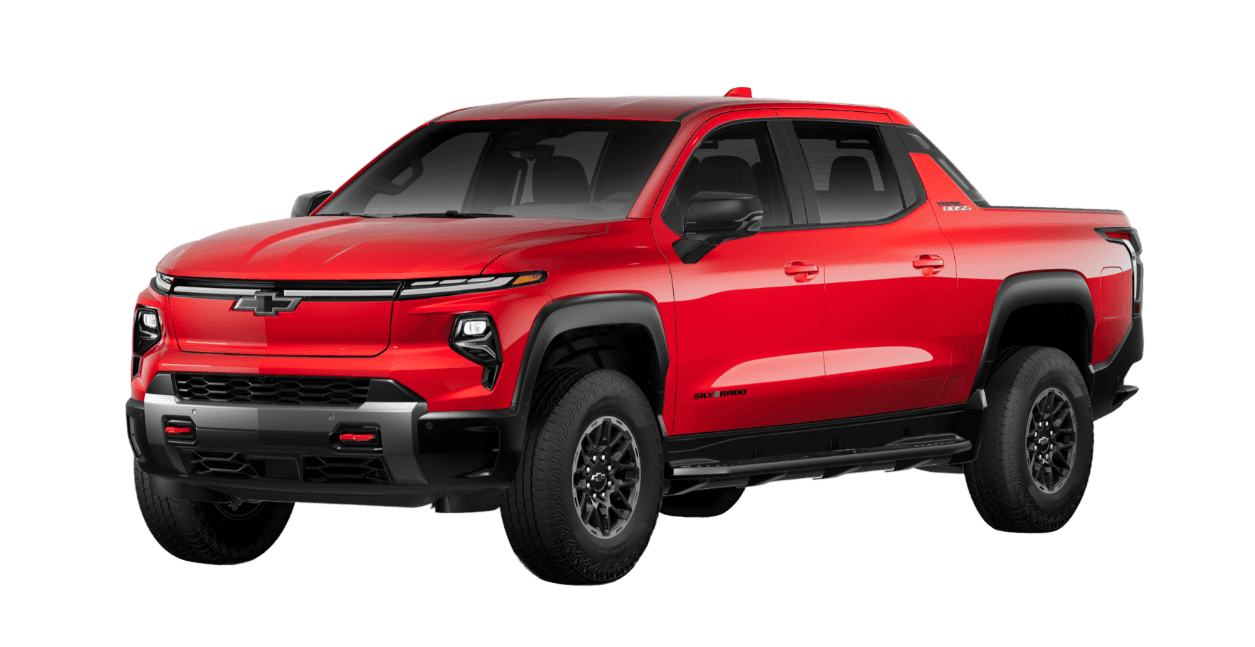
Smart Platooning
Utilizing self-driving tech, the Convoy host can dynamically order and manage the convoy. Convoy vehicles use adaptive automation to track the leader’s path, ensuring no one gets lost or left behind on the trail.
Tactical Voice & Audio
A walkie-talkie style interface allows for instant, hands-free group coordination. To set the mood, synchronized media streams the same music or podcasts across every vehicle in the convoy.
AI Auto-Curation
The system automatically captures and parses vehicle footage. Using AI, it identifies the best off-roading moments to generate highlight reels that are automatically shared among all members post-drive.
Mobile App Companion
A dedicated page of the mobile hub for before and after the drive. Use it to map out and plan complex trips, then return to the app post-drive to access the media gallery and relive the trip’s best moments.
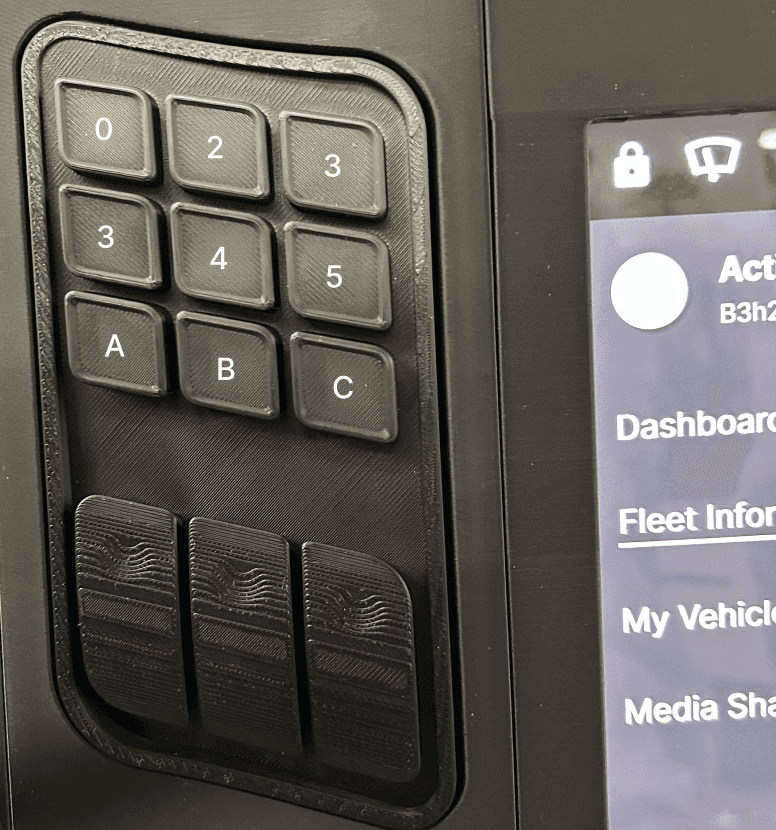
Keypad
A physical keypad provides a quick, tactile way to manually enter a five-digit convoy code when automatic recognition or digital sharing isn't available. Eliminating the need for an on-screen keyboard or confirmation button reduces interaction time and makes joining a convoy easier in off-road conditions, where precision touch input can be difficult.
Limitation: While adding a physical keypad increases hardware complexity, it was a deliberate tradeoff to support reliable code entry in off-road conditions where touchscreen interactions can be difficult.
Steering Wheel
Dedicated steering wheel rollers support quick, eyes-on-road interactions. The left roller switches between driver display views, while the right roller adjusts frequently used settings, reducing reliance on touchscreens in off-road conditions.
Limitation: Roller controls minimize hardware while matching the cluster's scrollable interface. Since the cluster was not integral to GM Convoy, more advanced UI isn't available on the wheel.


What We Learned & What We Changed
Information Architecture was largely intuitive.
Participants consistently found the core Convoy experience easy to navigate. Most users quickly located the vehicle controls and successfully joined a convoy group without assistance.
Validated
Vehicle controls were easy to discover.
Convoy entry flow felt straightforward.
Overall navigation hierarchy was understandable.
Music Sync needed clearer feedback.
Although users eventually found the music syncing feature, several hesitated because the controls lacked sufficient context and visual feedback.
Participants wanted:
clearer labels explaining sync options
richer information about what they were syncing
larger, more obvious toggle controls
Design Changes
Clarified music sync terminology.
Added more descriptive content for convoy member media (i.e. song titles & singer).
Increased visibility of interaction controls.


Media interactions created unnecessary confusion
Participants expected the media icon to launch the camera rather than previously recorded footage. They also found the separation between camera and recordings unintuitive.
"When I hit camera, it should open a camera."
Design Changes
Simplified the information architecture around media features and moved complexity to the mobile application.
Conceptualized a hard control in-vehicle for users to record desired portions of their group drive.


Users struggled with focused views and navigation.
Once inside secondary screens, participants weren't always sure how to return to the main dashboard. Several attempted multiple navigation paths before finding their way back.
"I tried to go back..."
Design Changes
Added clear back navigation ("back carrots") to focused views.
Improved consistency between secondary screens and multi-step menus to improve user recognition. Remove secondary menus where possible to reduce cognitive load.


Planning the Trip
John pulls out his phone to start his truck, unlock the doors, and heat the cabin up. He checks his vehicle charge levels, then taps into the GM Convoy tab. There, he scrolls down to review the details for the off-roading trip he's been looking forward to for weeks.
Starting the Convoy
After hopping in his truck, John decides that he wants to invite his friends, Nara and Mike to off-road with him. He opens the GM Convoy app and clicks "Join Convoy". where he can either enter convoy codes, or choose from his convoy history.
In this scenario, John clicks "Start Convoy" so he can share his personal Convoy code with friends.
Managing and Syncing the Convoy
Next John can begin driving, leveraging the GM Convoy app in-vehicle. In the dashboard, John can see Nara and Mike's truck info, message them, and receive notifications.
John can access more detailed information about each member of his convoy. Allowing him to see their driving data, as well as sync with their music and general direction.
Throughout the drive, he receives notifications to allow (or not allow) other convoy members to sync with his truck, too.
Convoy Host Functions
John can see whose synced to him and push sync requests to other members—enhancing the the community off-roading experience.
Looks like Nara is stopping ahead, he can easily keep track of her location on the map so she doesn’t get left behind.
As the convoy host, John is able to control and organize the order of the convoy, and specify the spacing between vehicles.
Sharing Memories
John had an amazing time with his friends, and he doesn't have to forget a single moment. GM Convoy offers automated multi-angle recording capabilities that can be accessed and shared among convoy members post-drive.
Sharing Memories
Although media sharing is available in-vehicle, the GM mobile app would enable additional functionality for media sharing.
John can watch a curated reel in the featured section, or he can easily parse through media by recent trip or convoy. This format automates sharing among members of a convoy, so John can see his truck in-action from Mike and Nara's POV.
Instrument Cluster
GM Convoy focuses on leveraging the center display, but the instrument cluster offers additional functionality. Convoy notifications and map view are integrated accordingly.
Data Collection & Scalability
GM will have wider range of driver data available, allowing them the chance to scale the GM Convoy app later.
Brand Loyalty & Exclusivity
GM truck owners will feel exclusivity, potentially encouraging friends to purchase a GM vehicle for this feature.
Builds on GM Evolve Fleet Tech
GM Evolve is the foundation for a lifestyle-focused convoy system—upgraded through AI integration, in-cabin cameras, and cloud storage.
Auto UX is Amazing
I didn’t know what to expect at first, but this was a fantastic experience. The knowledge I gained in auto UX and innovating in this unique environment was incredibly valuable.
Pitching to the Client
Pitching directly to the GM UX team was instrumental in refining GM Convoy's features and visual style, teaching me how to bridge the gap between innovation and technical feasibility.
Constrained Environment
This project was a deep dive into the unique constraints of Auto UX. I learned that designing in a vehicle cabin requires balance between advanced features and driver safety.
Sara Carrier
copyright © 2026